
The home screen
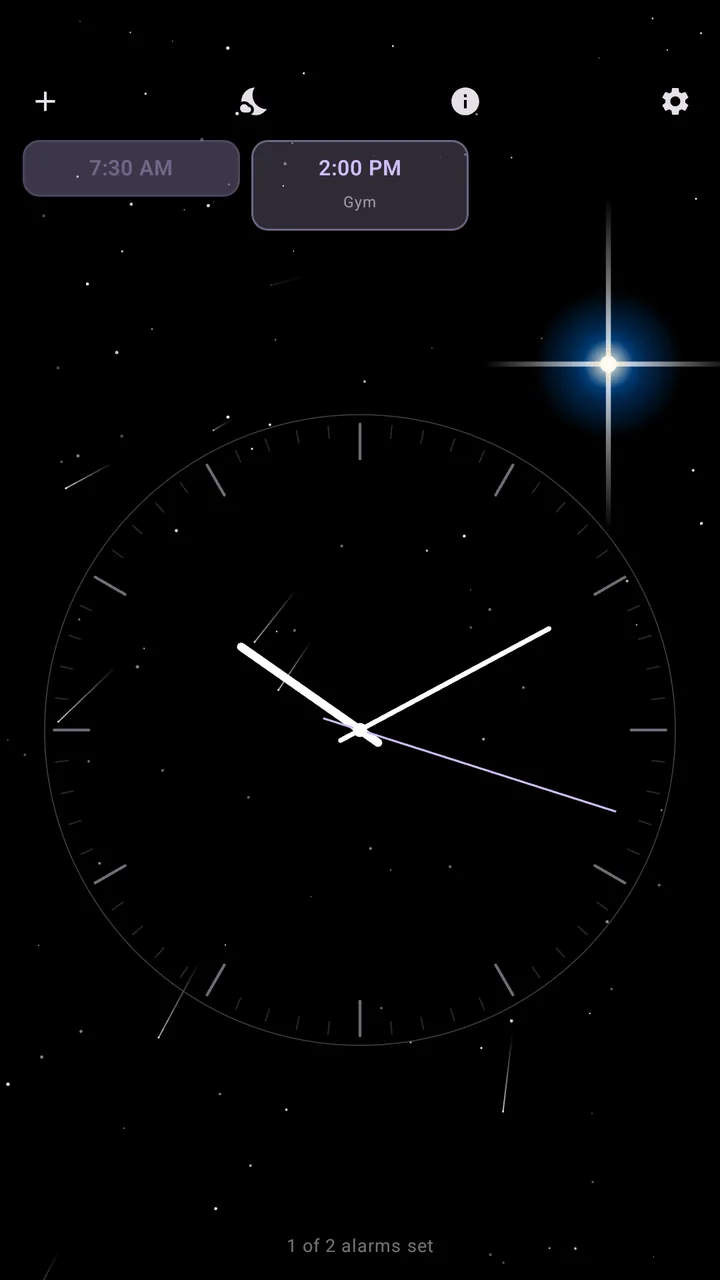
Your clock, your next alarms, and four buttons. That's all of it.
The four buttons
- + makes a new alarm.
- Moon starts night mode.
- i opens help.
- Gear opens settings.
You can also press and hold the clock to open the Set alarm page.
Alarm tiles
Every alarm in the next 24 hours sits on its own tile. Swipe a tile left or right to turn it on or off, tap it to edit it, or press and hold, then tap Delete, to remove it.
Alarms further out are in Settings, All Alarms.
The alarms-set line
The line at the very bottom e.g., "12 of 16 alarms set", tells you how many alarms are active.

Analog or digital
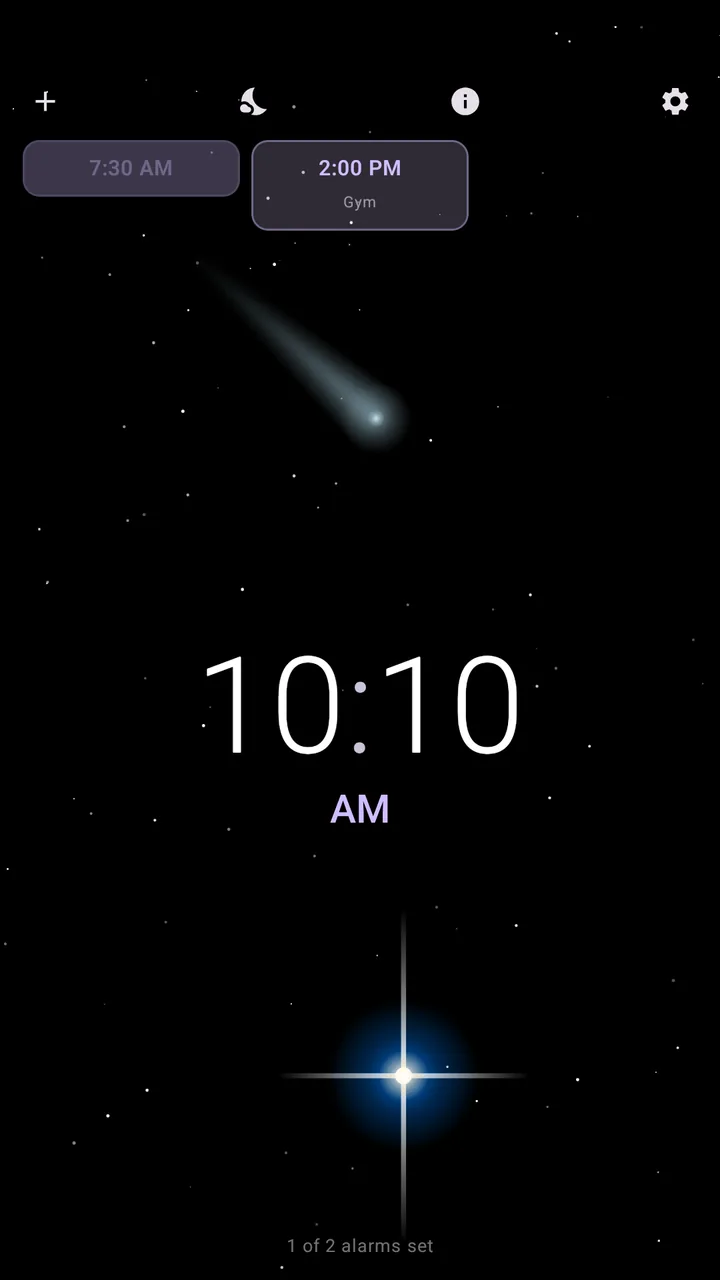
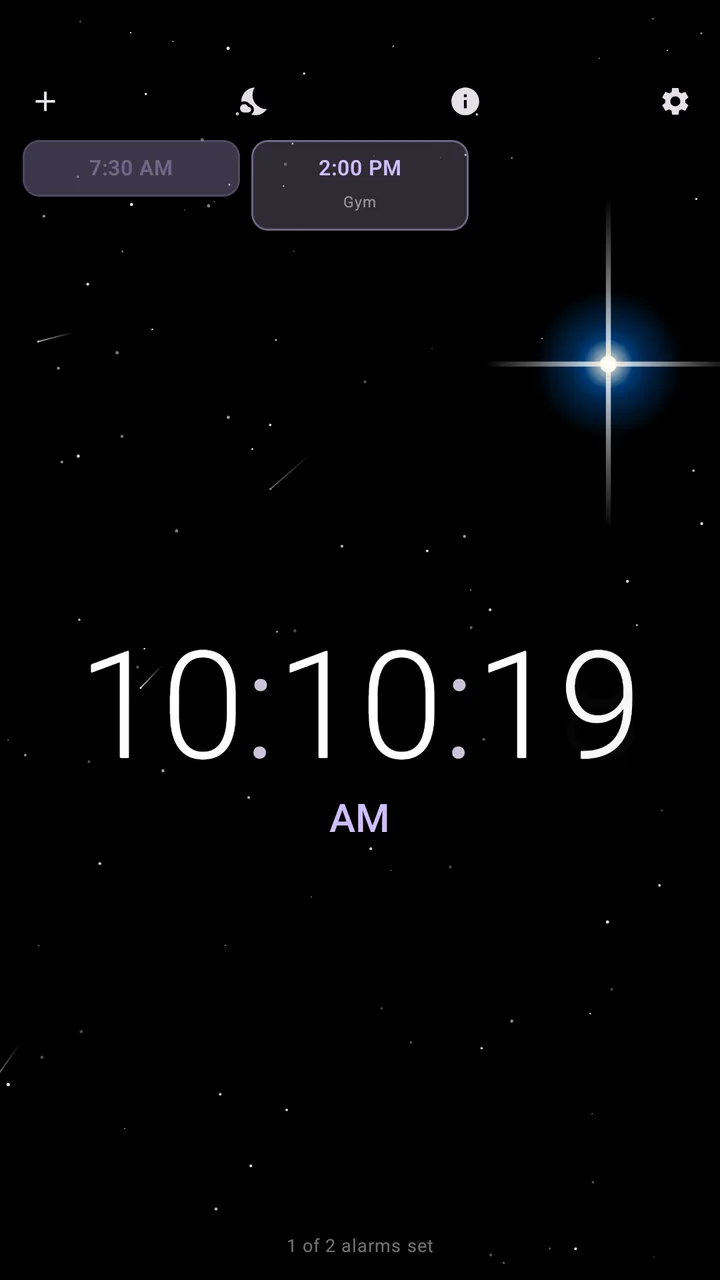
Pick a clock face when you first open Temporal, and change it any time in Settings, Themes, Clock Display. Digital can show seconds too.
Night mode
Tap the moon while the phone is charging and Temporal becomes a dim bedside clock, with your theme's sky moving behind it. It keeps the screen on and nudges the clock now and then to protect the screen. It turns off with a swipe or a double tap.
Set how dim in Settings, Themes, Night Mode Brightness.