Setting an alarm
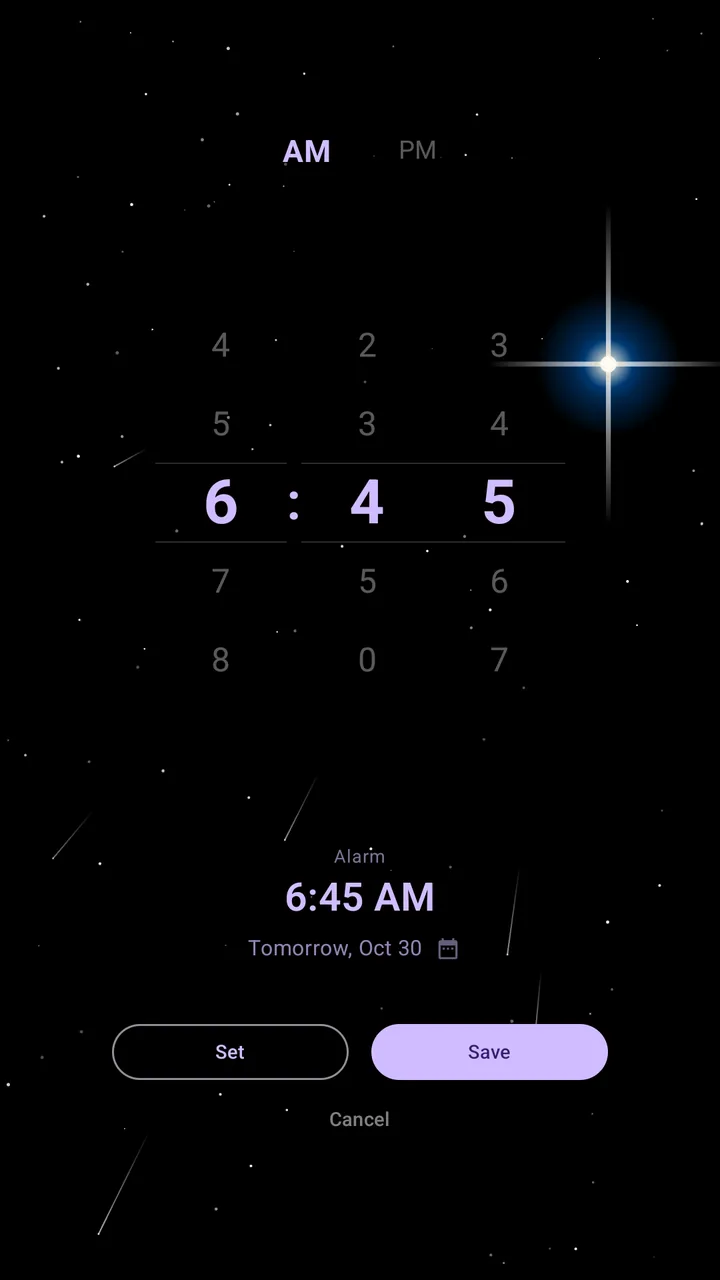
Tap + on the home screen, or press and hold the clock, then set the time and tap Set or Save.
Set the time
Analog: drag the hands. When they're close together, touch near the rim to grab the minute hand, or near the center for the hour hand.
Digital: scroll the wheels for the hour and minutes.
Pick a date, add a note
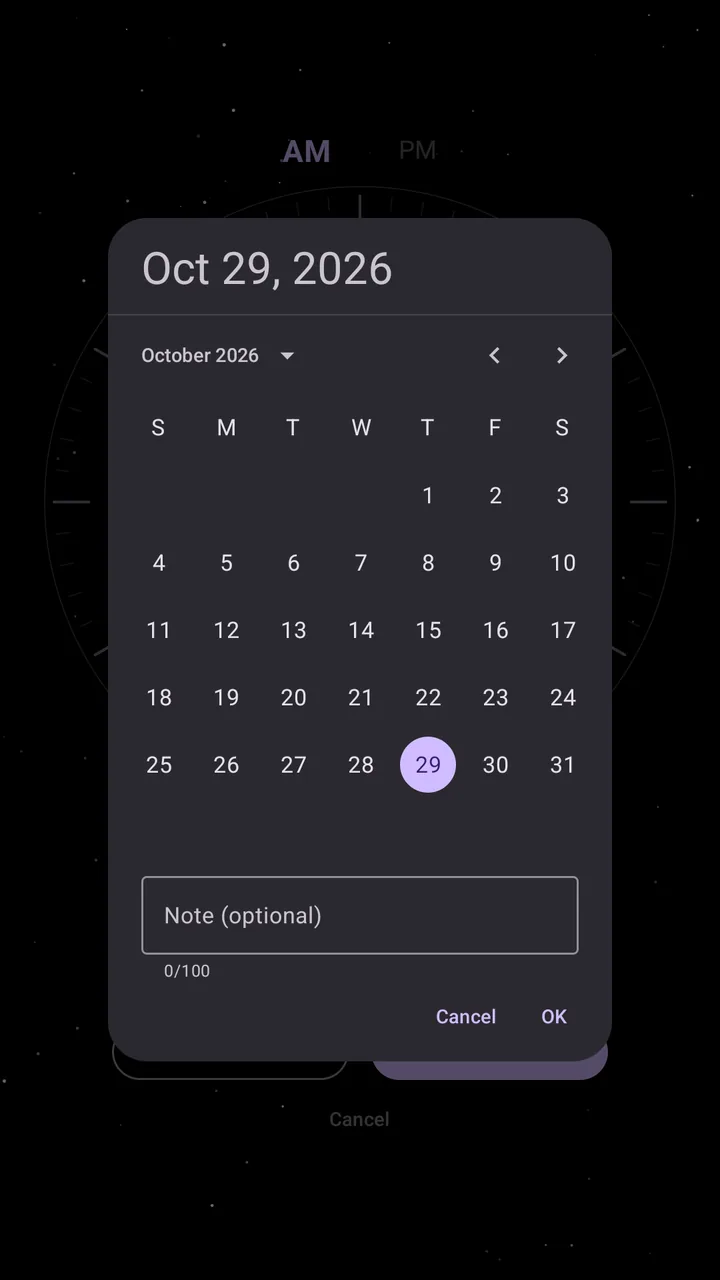
Tap the calendar button under the time to choose a day. The date is optional: without one, the alarm rings the next time that time comes around, today or tomorrow.
Under the calendar is a box for a note, up to 100 characters. The note is optional too. Tap OK to keep the date and the note. The note shows on the alarm's tile and when the alarm rings.
Set or Save
Set
A one-time alarm. It rings once and then disappears.
Save
A reusable alarm. After it rings it stays as a tile you can swipe back on.
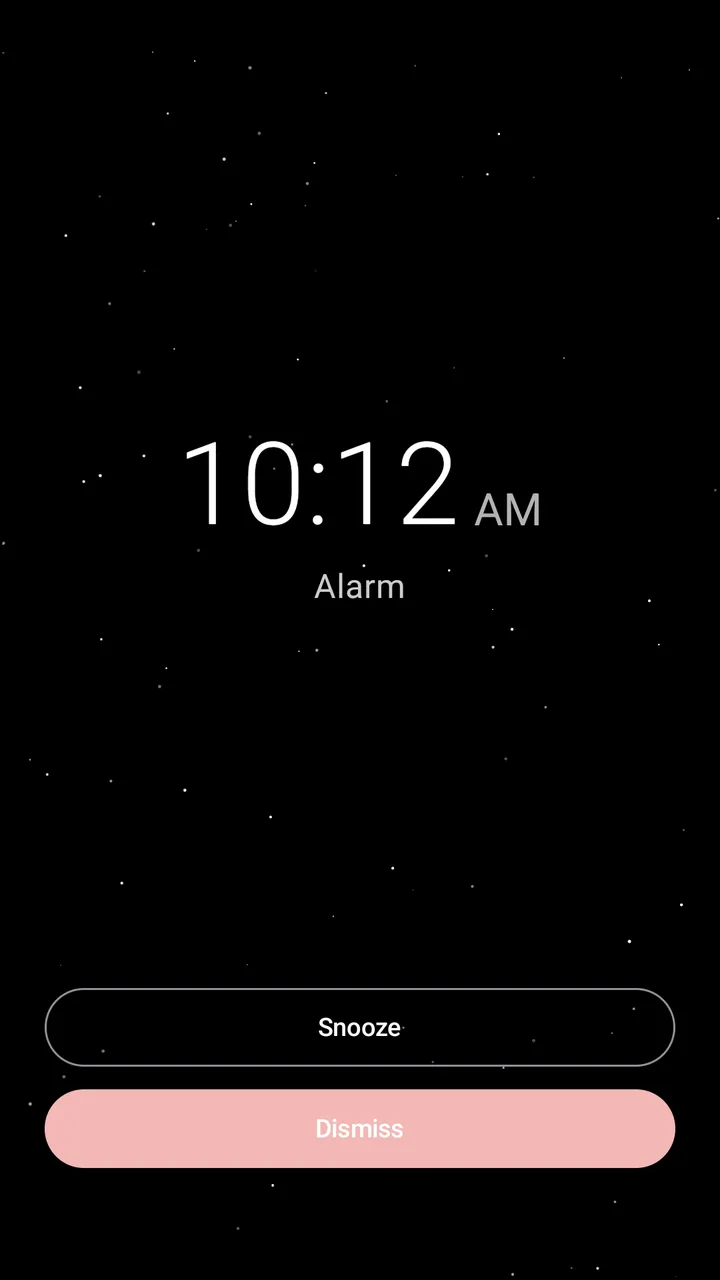
When it rings
You have 3 minutes to dismiss or snooze. If you don't answer, Temporal snoozes for you and tries again, up to 3 times, then stops. Snooze always works when you tap it. The snooze length is in Settings (10 minutes to start).