Sky effects
Razzle and Dazzle put a moving sky behind your clock. There are five effects, and each theme sets them up its own way.
In Settings, Themes, pick Razzle or Dazzle and tap the pencil. Each effect has its own section there. Reset to Default puts the theme back the way it came.
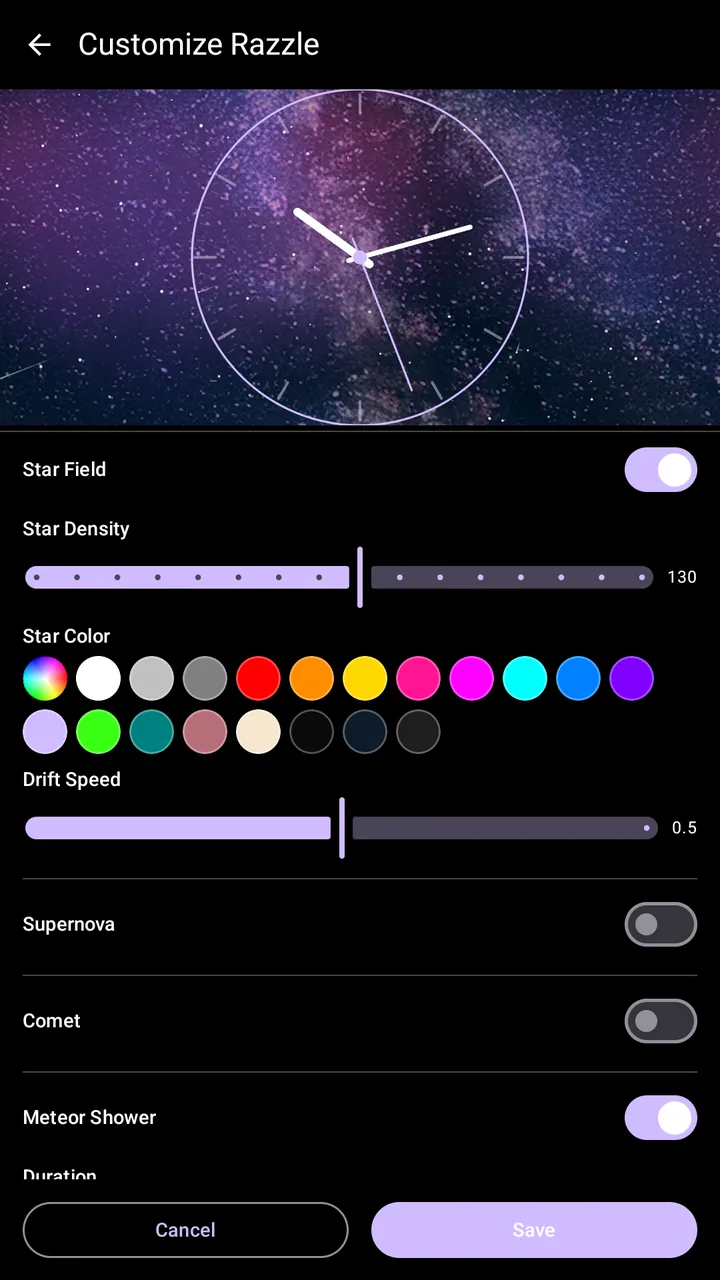
Star field
A field of twinkling stars drifting slowly across the sky.
You can adjust:
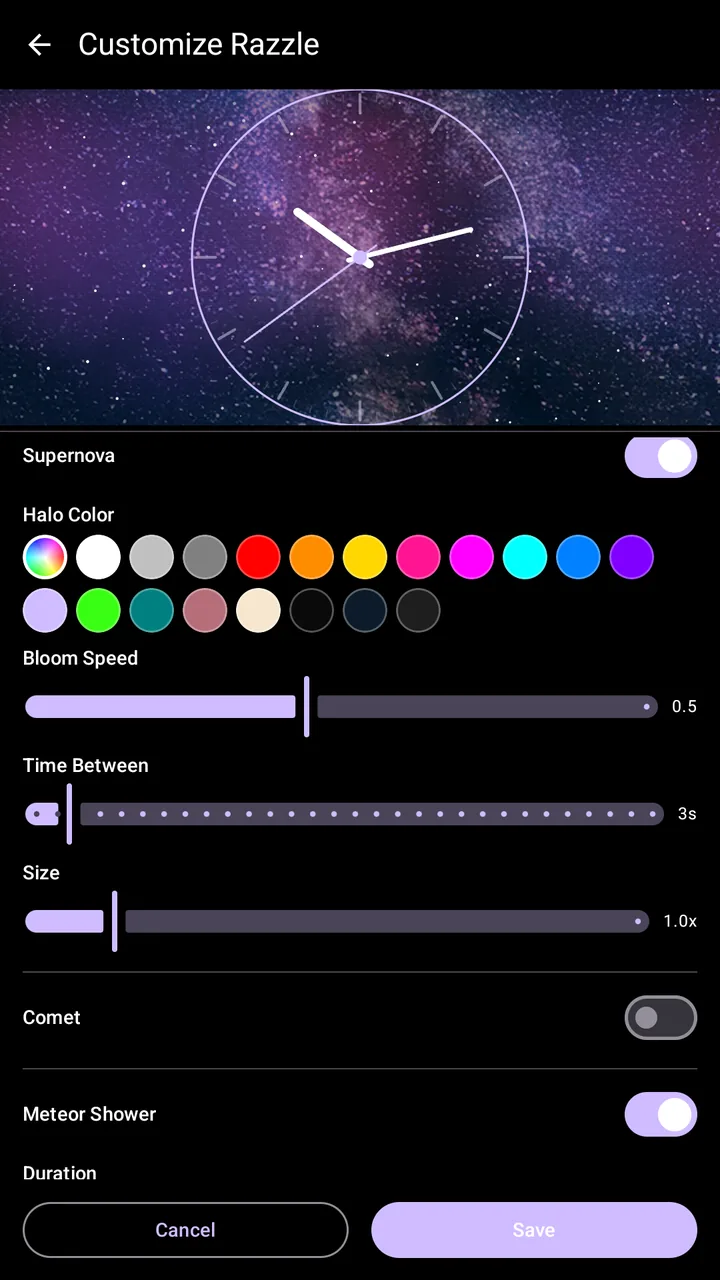
Supernova
Every so often a star blooms into a glowing halo, then fades.
You can adjust:
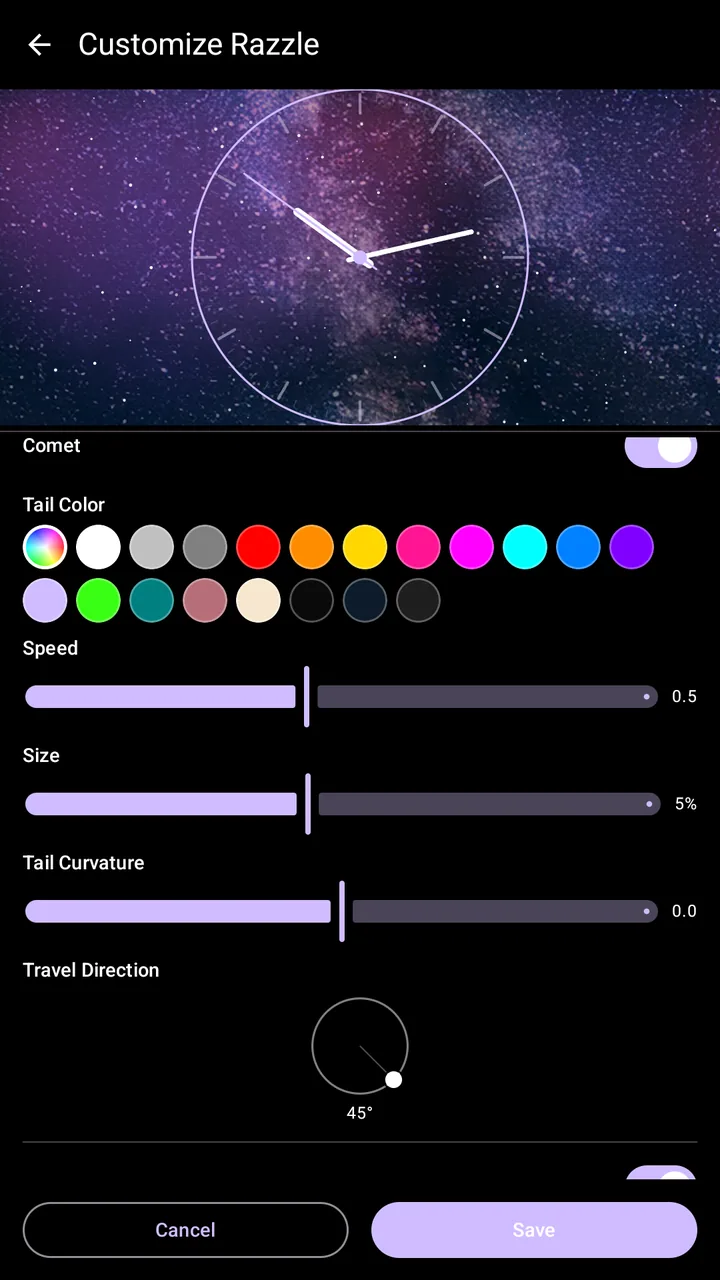
Comet
A glowing comet streaks across the sky, pauses, then comes back from the other side on a slightly different path each time.
You can adjust:
Meteor shower
Bursts of meteors fly out from one point in the sky, now and then.
You can adjust:
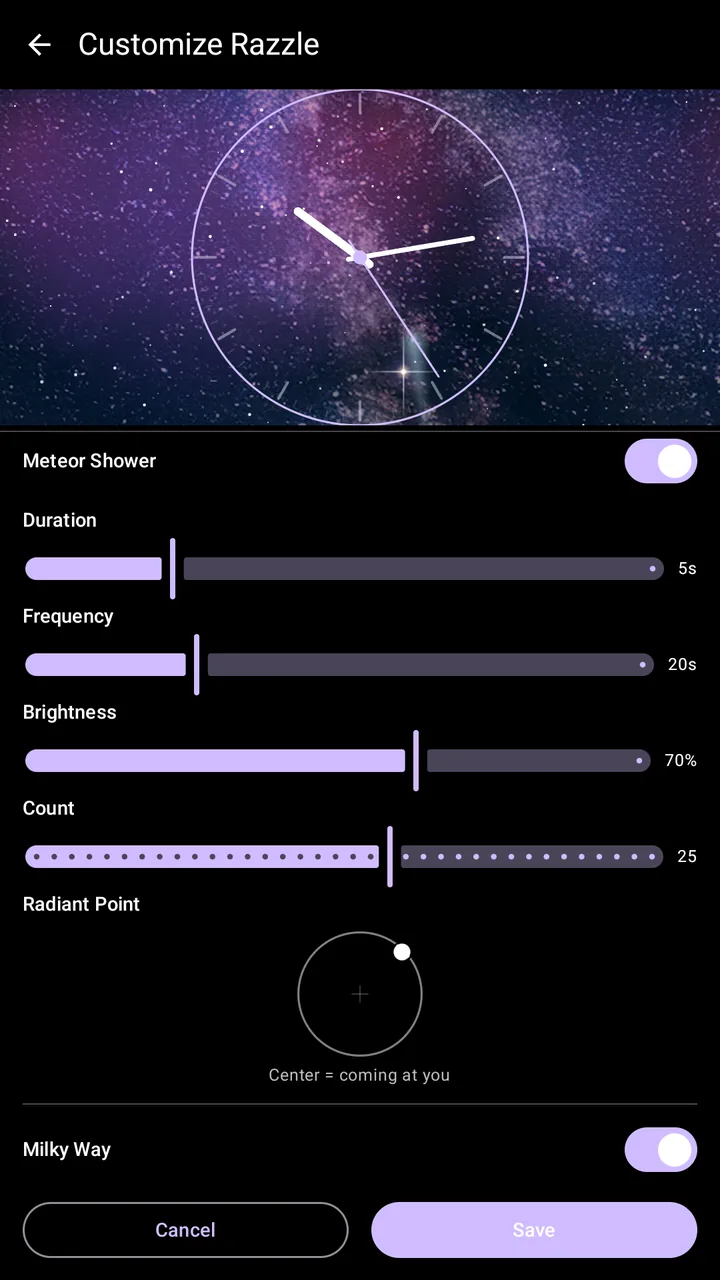
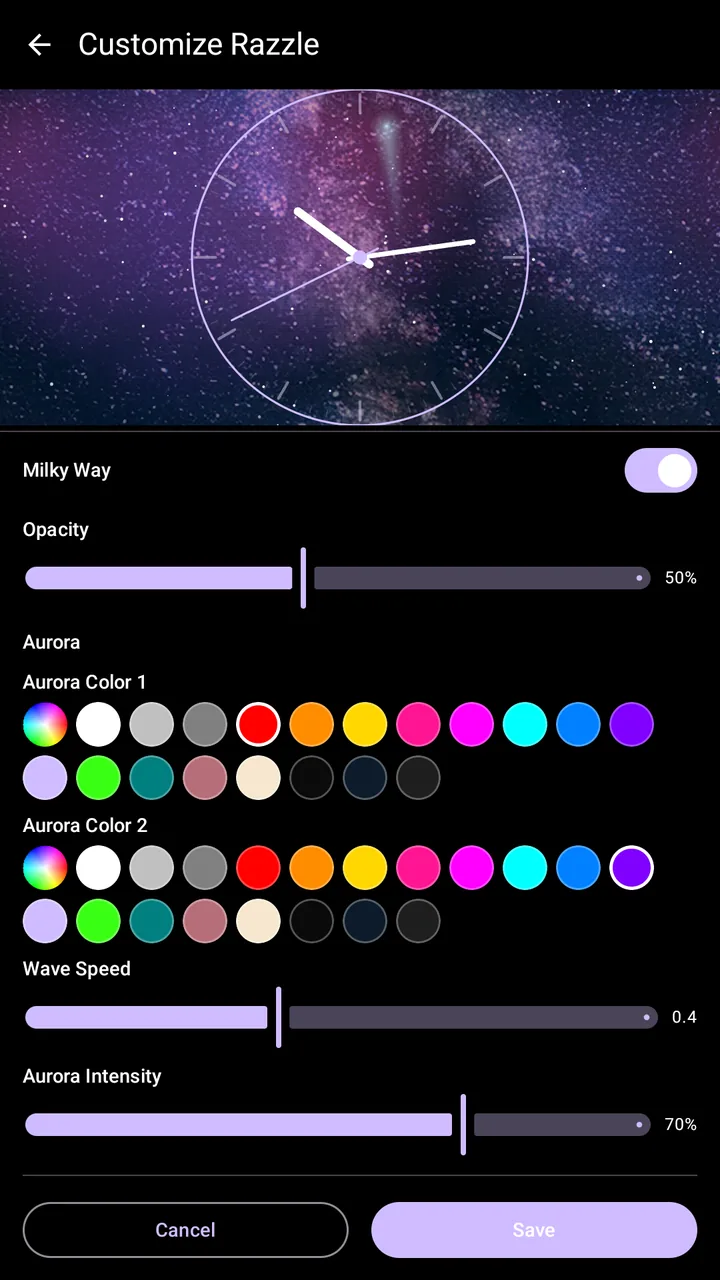
Milky Way
A bright diagonal band like the heart of the galaxy, with shimmering aurora curtains over it.
You can adjust: